

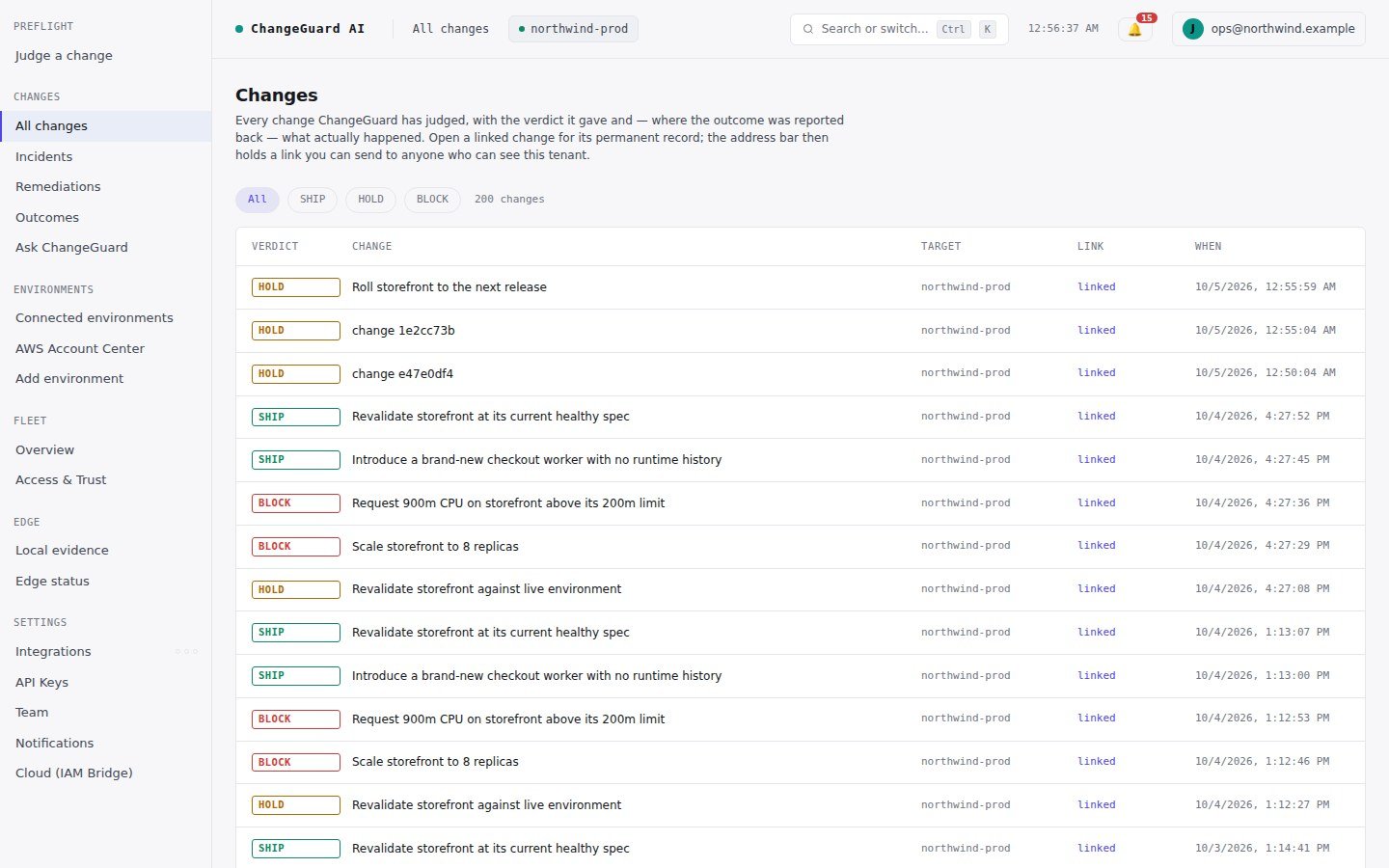
All changes: every judged change with its verdict, and a permanent link for each.
What a record holds
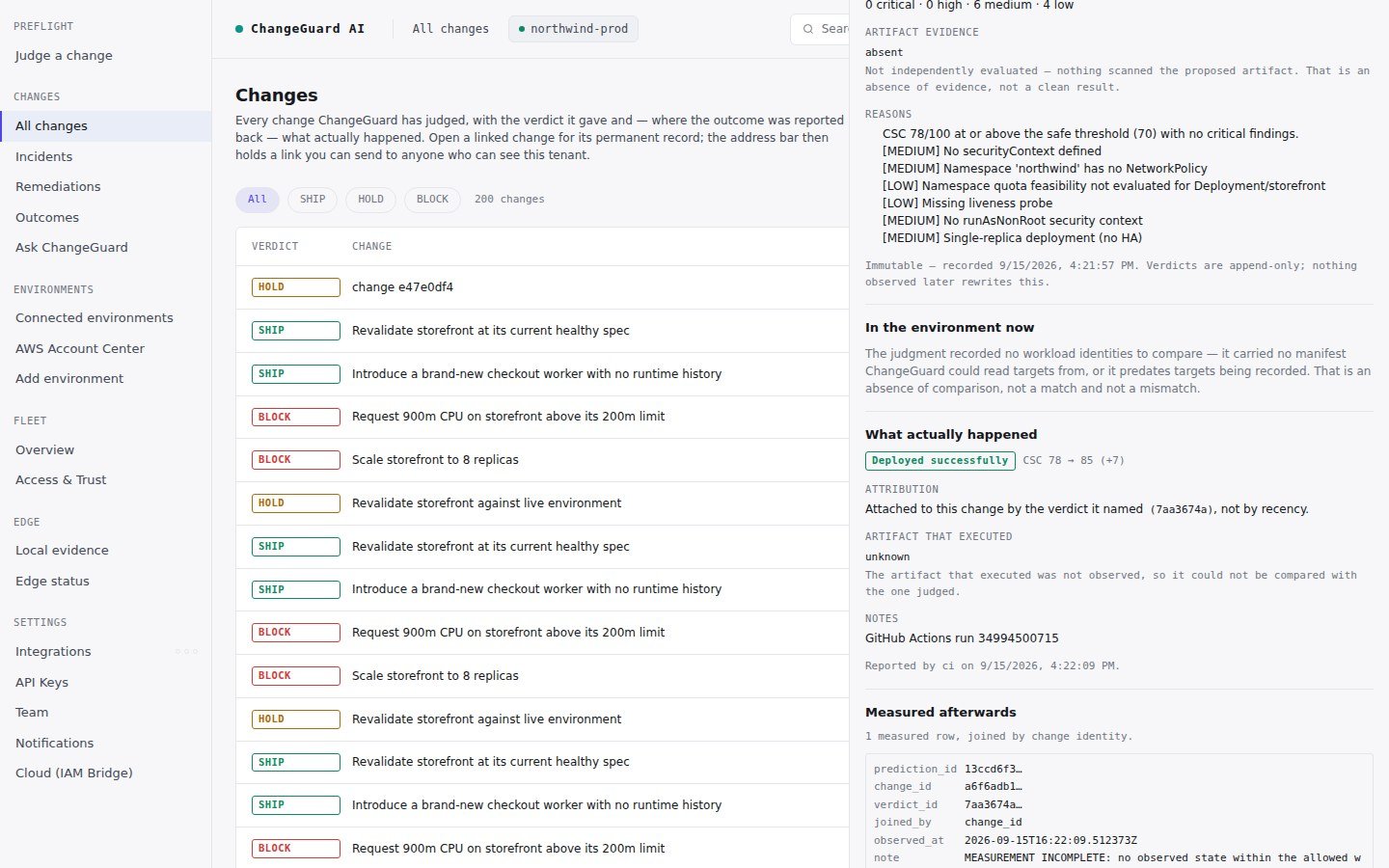
A complete record: the judgment before execution and what actually happened afterwards, on one page.
Three rules the record keeps
- Append-only. A verdict is never edited after the fact. New evidence produces a new judgment, never a rewritten old one.
- Attribution by identity. An outcome belongs to a change because the report named that change’s verdict — never because it arrived next.
- Absence is absence. Missing evidence, a missing outcome, a missing measurement each read as not reported or not collected — never as “fine”.
Where else the history shows up
- Changes → Incidents — every failing workload, correlated to the change that shipped it, with status (open or resolved).
- Changes → Remediations — every fix that was proposed, who approved it, and whether it was verified.
- Changes → Outcomes — what the model predicted versus what actually happened, once your pipeline reports outcomes.